Configuration
Describe the operation once. The planner works inside it.
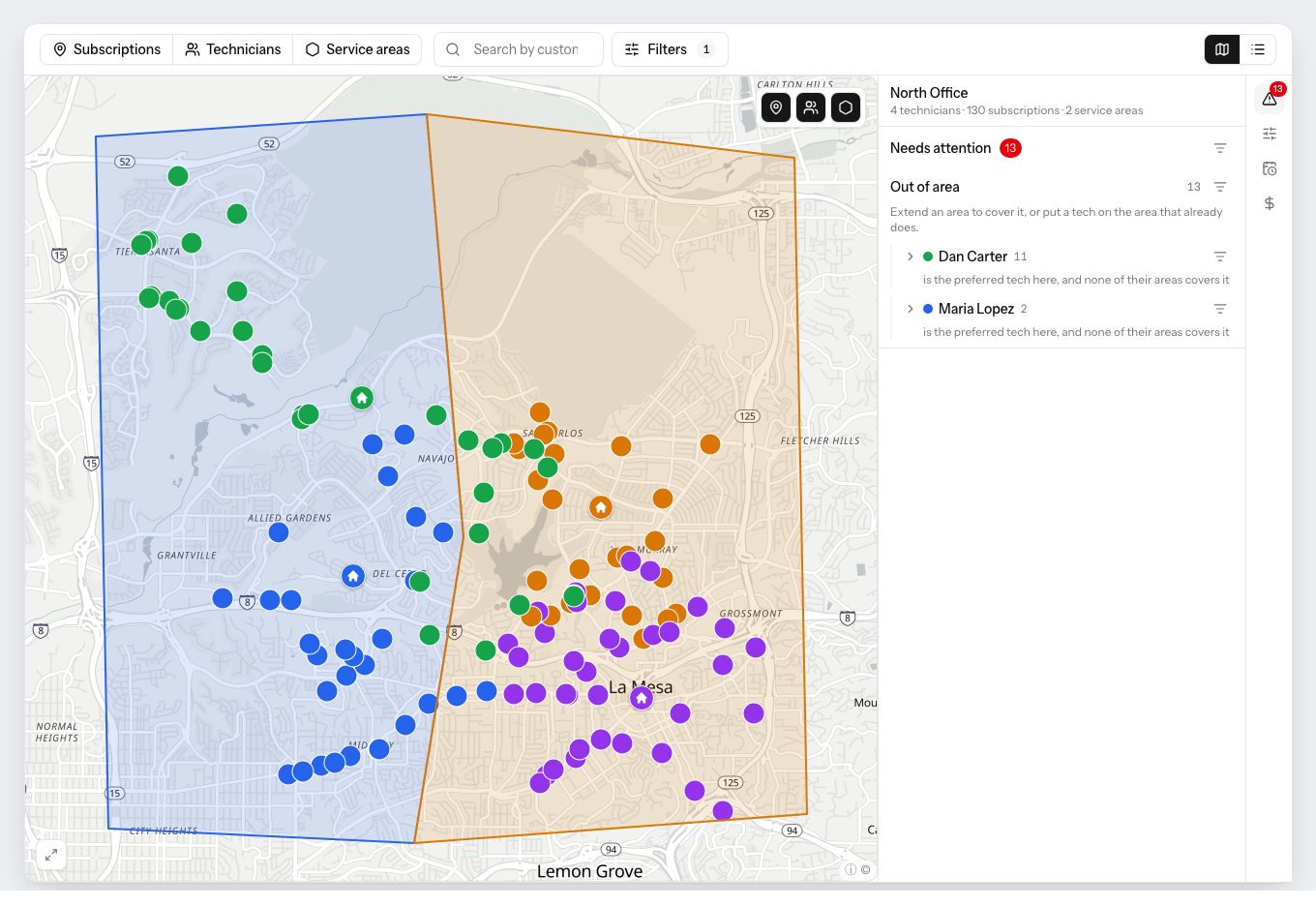
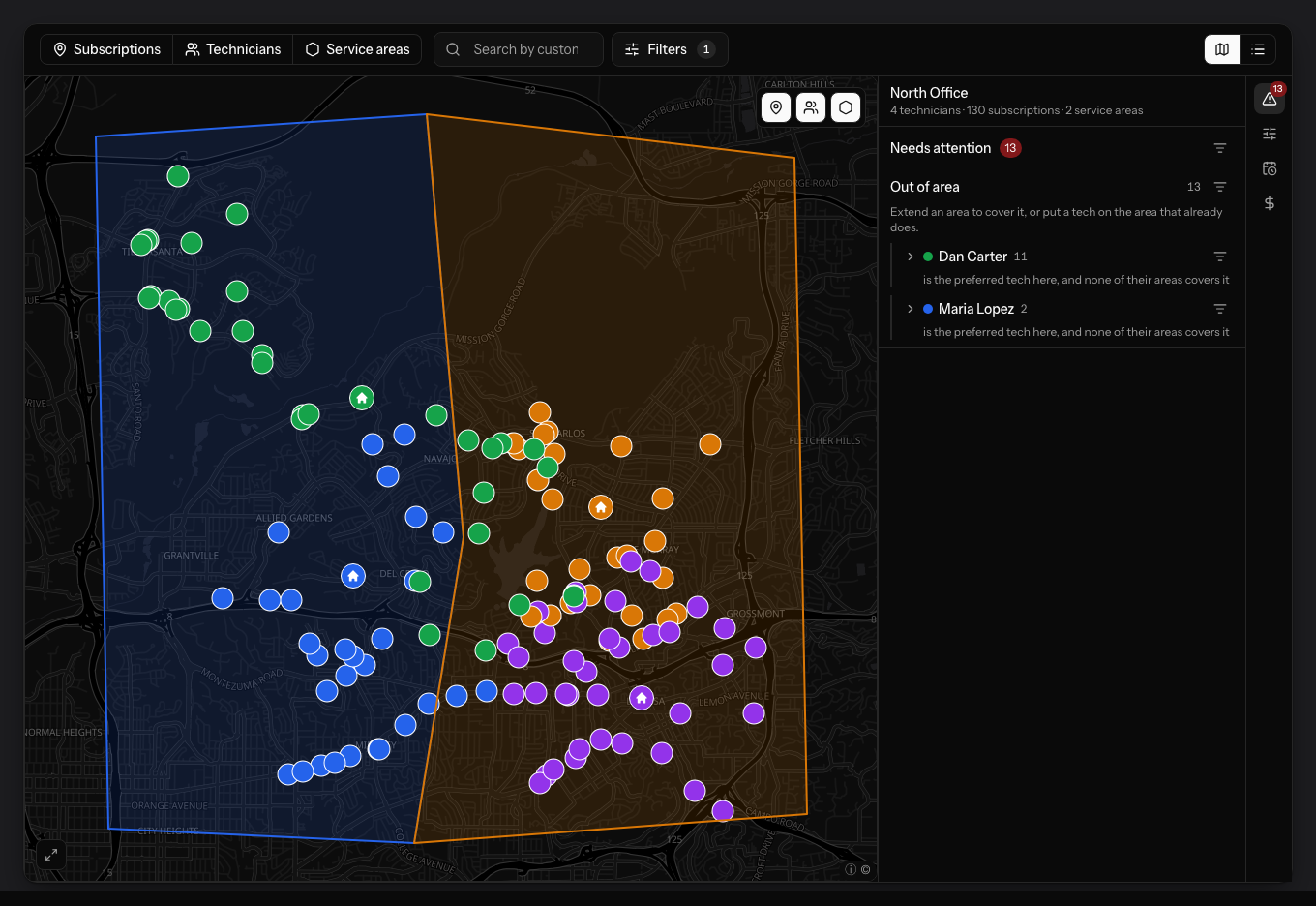
Territories, technicians, customers and costs on one surface — with a panel that names every customer no route can currently reach, before it costs you a plan.
Service areas
Draw a territory, or let the planner find one.
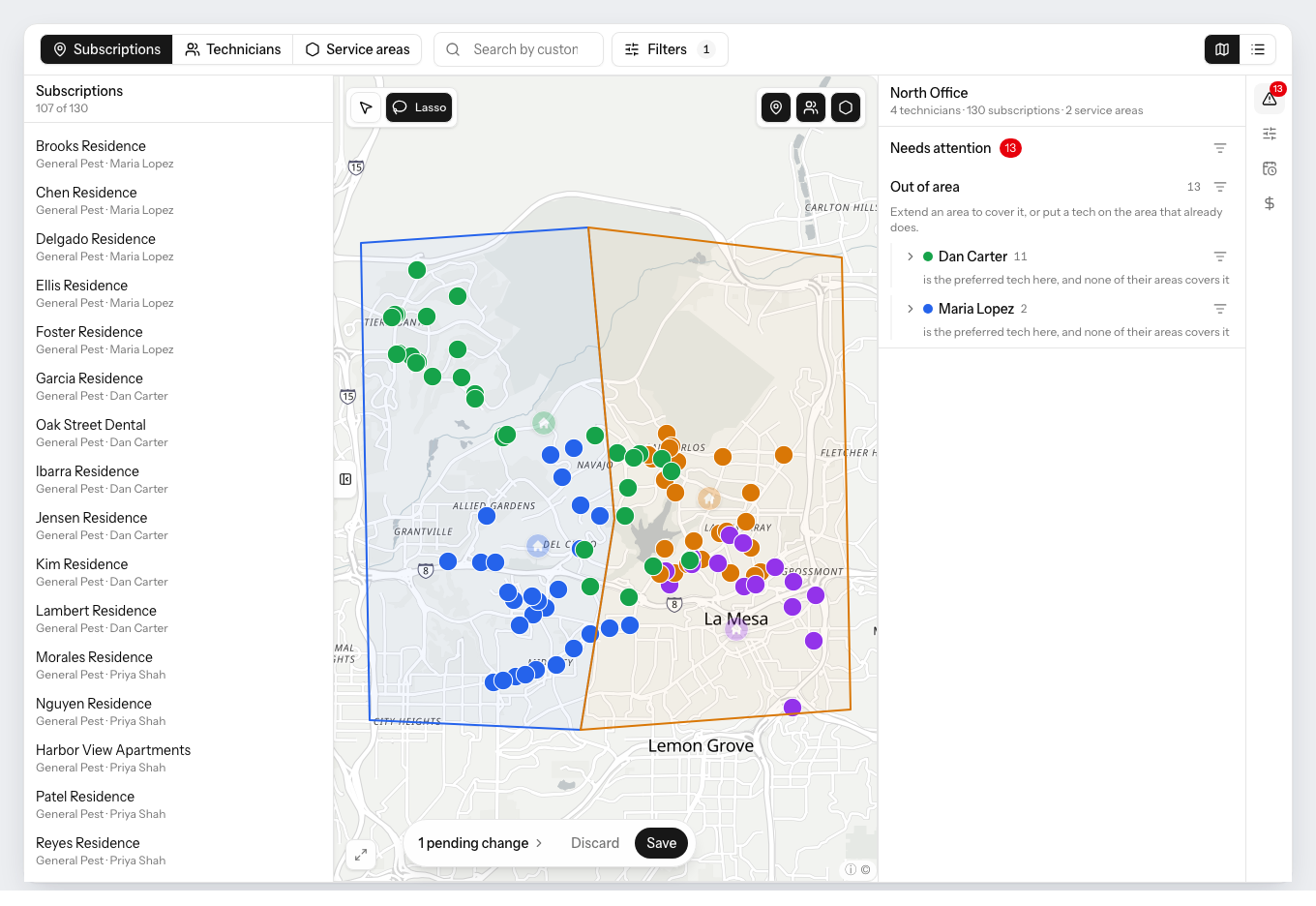
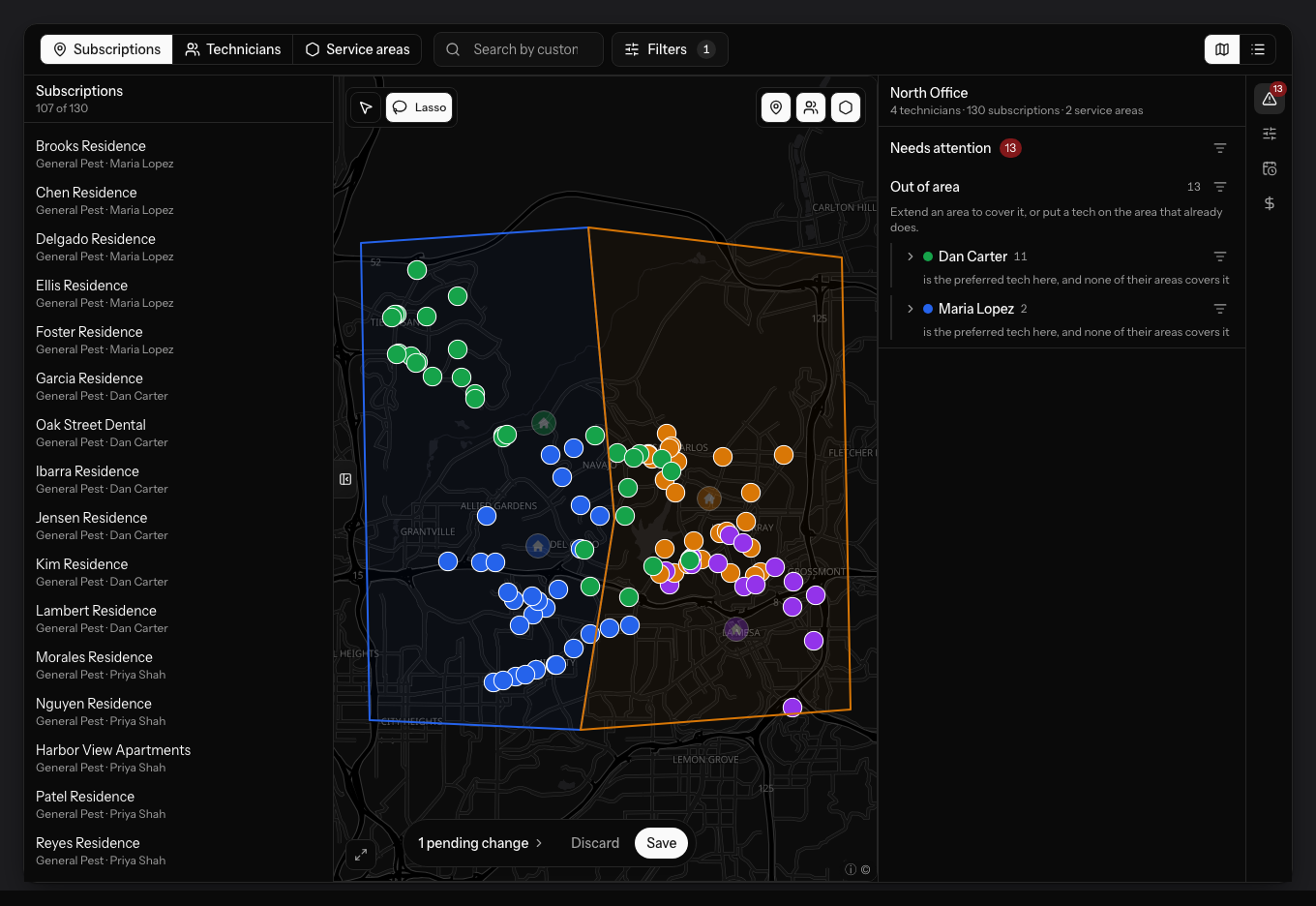
Outline an area on the map and assign the technicians who work it, and it becomes a hard constraint: nobody else is sent inside. Draw a deliberate overlap where two technicians should share a border. Or leave it and have the planner build balanced territories itself.
- Draw areas by hand, with overlaps where you want them
- Or have the planner find balanced territories for you
- Select on the map with a lasso and change many at once
- Changes wait as pending until you save them
What “better” means
You decide what the planner optimizes for.
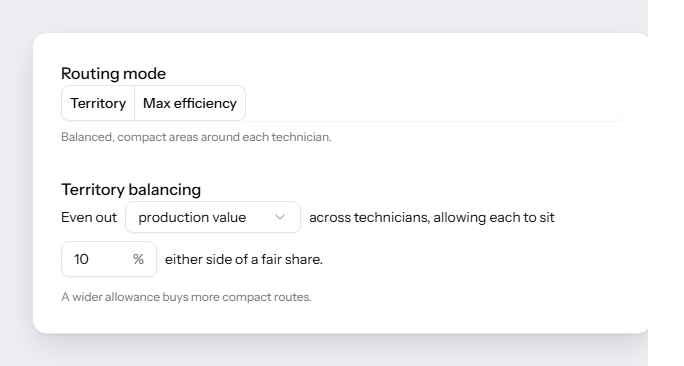
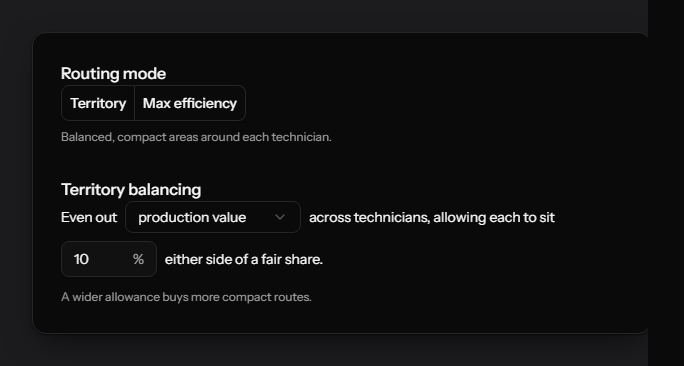
Two operators with the same territory want opposite things. One pays per route and wants fewer of them; the next pays salaries, the trucks roll either way, and wants the load spread evenly. Both are a switch, and the audit runs the one you picked.
- Max efficiency — fewer routes for the same work
- Territory — the same routes, compact and evenly loaded
- Even out production value, stops, distance or hours
- Set the band either side of a fair share that still counts as fair
Technicians
Skills, start location, rates — per person.
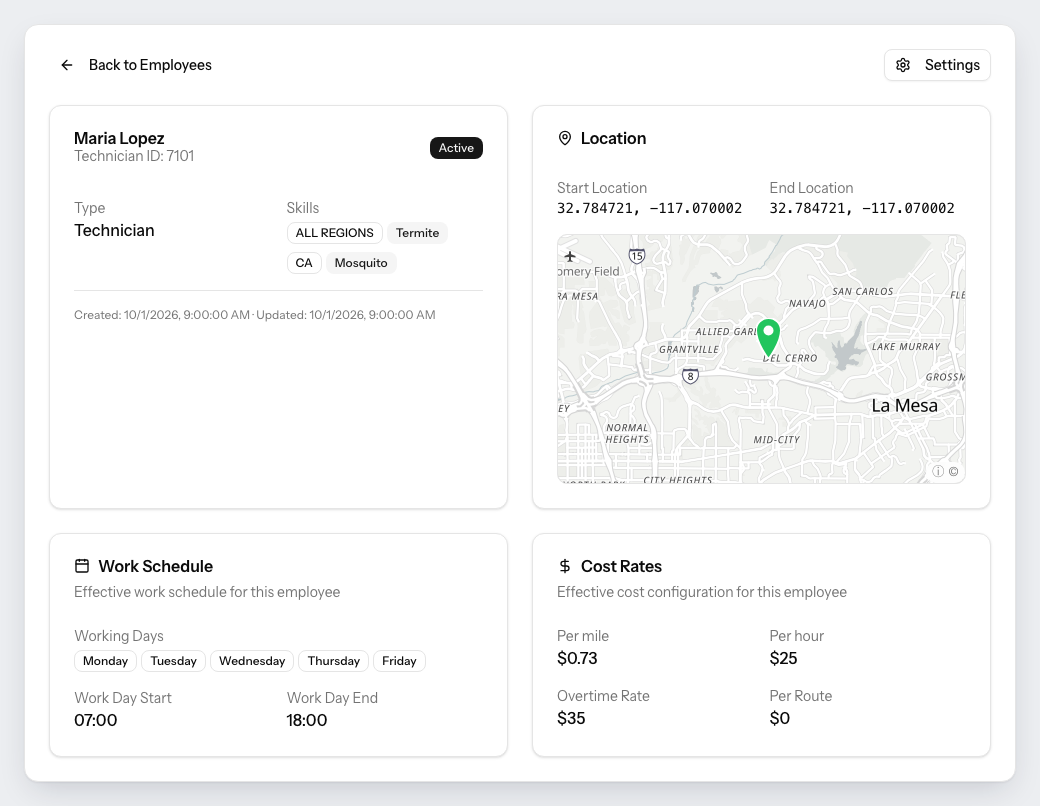
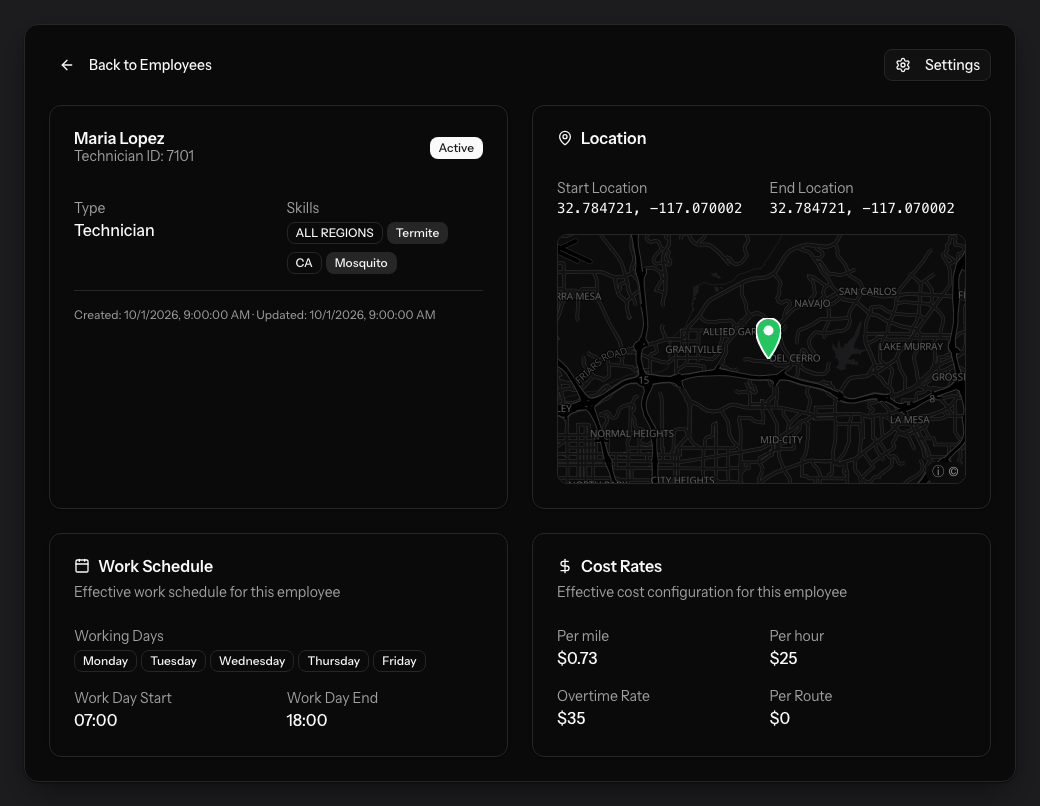
Every technician carries what they are licensed for and where their day starts and ends. Skills can be scoped to a region, so a licence that applies in one state does not quietly apply everywhere. Backup technicians are ordered, so cover is a rule and not a phone call.
- Required skills and licences, scoped by region
- Start and end location, taken from FieldRoutes
- Own cost rates, or inherited from the office
- Backup technicians, in the order you want them used
Work calendars
Four-day weeks, holidays and the Saturday rotation.
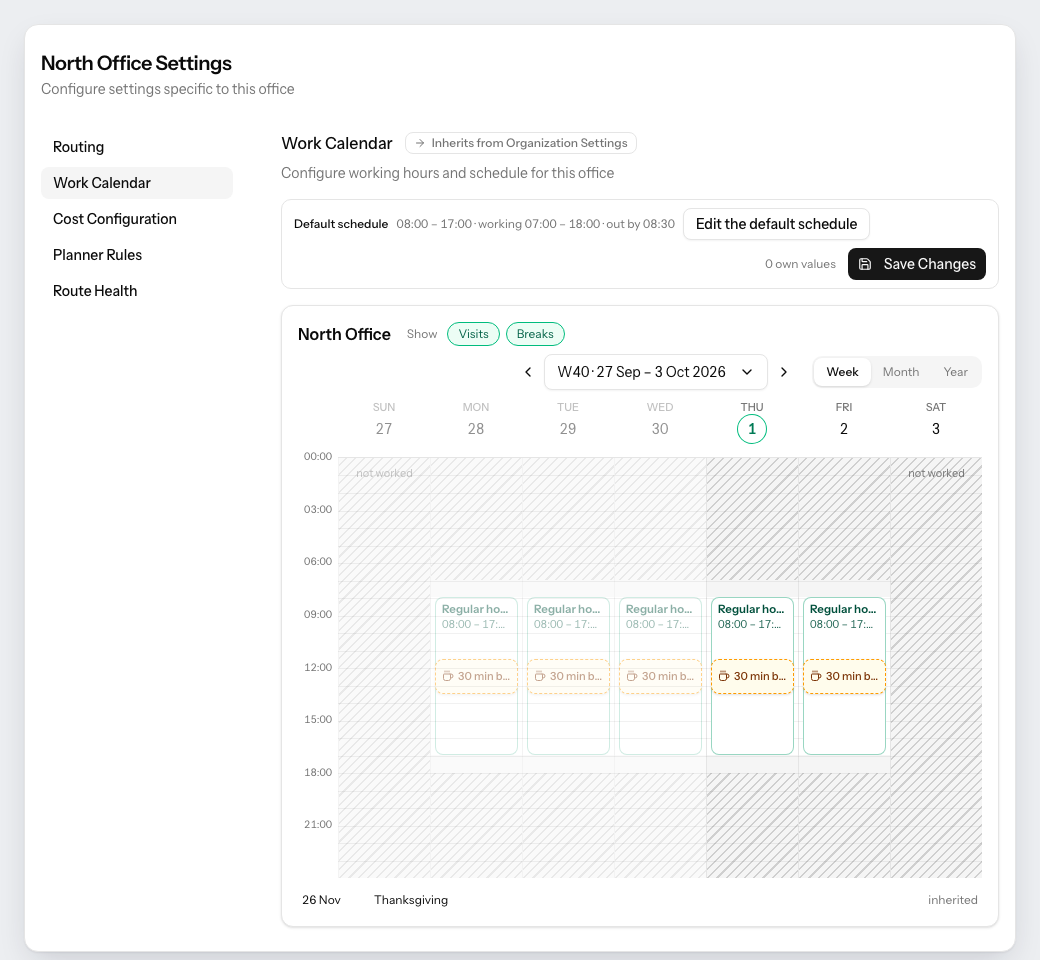
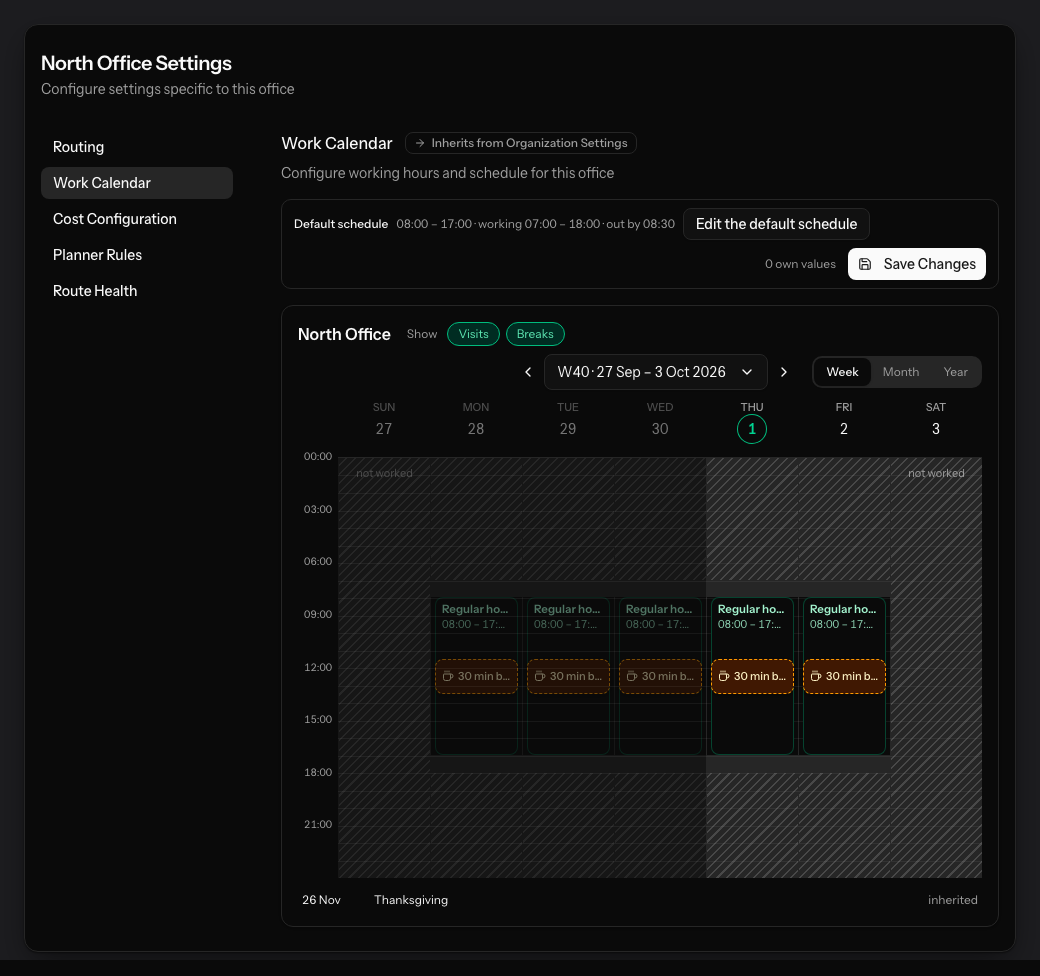
A default schedule for the organization, overridden by an office, overridden again by one technician. Mark a single Saturday as worked and have it repeat every two weeks; mark a holiday once and every office inherits it. Breaks are scheduled, not hoped for.
- Working days, start and end, and an overtime ceiling
- One-off days and repeating patterns per technician
- Required breaks placed inside the route, not after it
- Inherited values marked, so you see what you actually changed
Costs and offices
Your rates, so route cost is a fact, not an estimate.
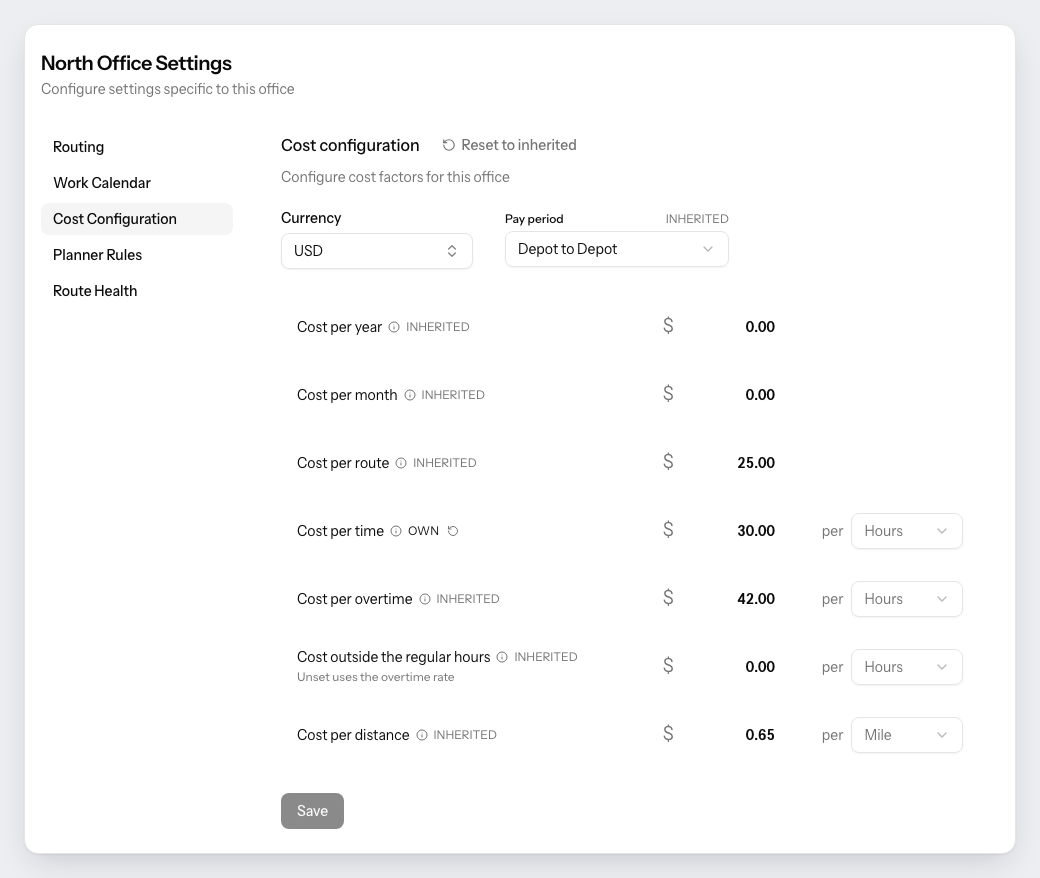
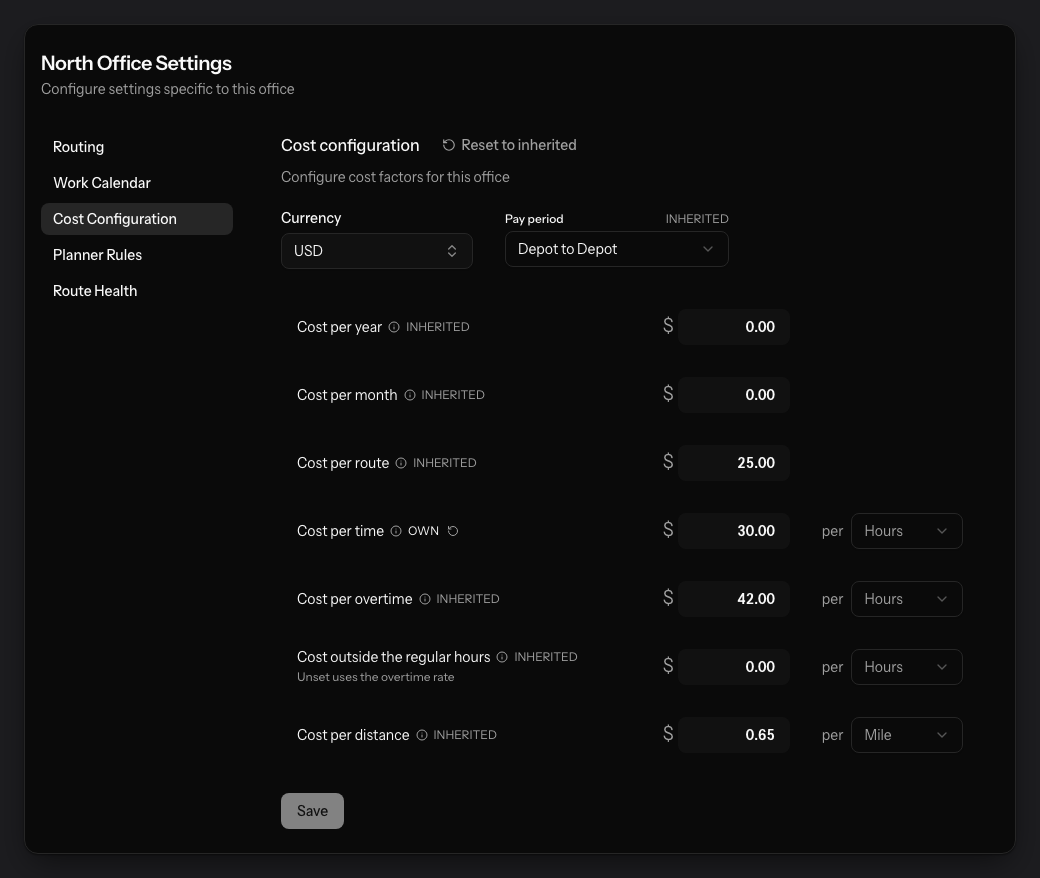
Cost per route, per paid hour, per overtime hour and per mile, with the pay period you actually run — depot to depot, or first job to last. Every office keeps its own, and everything it does not override comes down from the organization.
- Per route, per hour, per overtime hour, per mile
- Pay period set to how your technicians are actually paid
- Between 1 and 10 offices, each with its own sync and calendar
- Nothing bleeds between branches
Before you ask
- Can I draw my own territories, or does it decide?
- Either. Outline an area on the map and assign its technicians and it becomes a hard constraint. Leave a technician without one and the planner builds a balanced territory for them, evened out on the figure you chose — production value, stops, distance or hours.
- What happens to a customer no technician can serve?
- It is listed, not silently dropped. The Needs attention panel names every customer whose preferred technician works no area covering them, grouped by technician, so you can extend an area or put somebody on it before the next planning session runs.
- Does changing something here reschedule anything?
- No. Changes wait as pending until you save them, and the next planning session is the first thing that uses them. Nothing is written to FieldRoutes from this page.
- Can two offices have different rules?
- Yes. Routing, work calendar, costs, planner rules and route health all cascade from the organization to the office to the individual technician, and every screen marks whether a value is inherited or the office’s own.
See it run on your own month.
30-minute intro call. We connect to FieldRoutes read-only, rebuild a real month of your routes against the goal you name, and walk you through the result. Nothing is written back.
You will have seen your own numbers before anyone asks you for anything.
From the blog
Latest Operations Strategy articles from the PestRouting blog
Hands-on guides, case studies, and operational deep dives in Operations Strategy.

Why Pest Control Operations Break When Every Exception Becomes Normal
Every operations team starts with rules. The ones that scale stay rule-led. The ones that don't end up running their business on exceptions.
Read articleWhy Route Optimization Alone Does Not Fix Bad Operations
An optimize button cannot fix the things that actually make routes bad. Here is the operations layer underneath that has to be repaired first.
Read articleThe Operations KPIs Pest Control Owners Should Actually Track
Most pest control dashboards track activity, not operations. These eight KPIs separate well-run companies from busy ones — drive time, variance, density, leakage.
Read articleGet Your Free Route Audit
A 30-minute intro call, a written report on what your routes are leaving on the table, and zero pressure to sign anything. We only follow up if you ask.
Book Your Free Analysis
Free analysis with no obligation
We'll analyze your current routes and show you the savings potential.
First call within 24–48 hours
Full analysis and written report typically ready within about a week.
Dedicated Route Success Manager
A routing specialist works your operation — not a ticket queue.
Risk-Free Opportunity
See exactly how much you could save before spending a dime.